- Open a web browser and go to workplace.convene.com
- Click Forgot password.
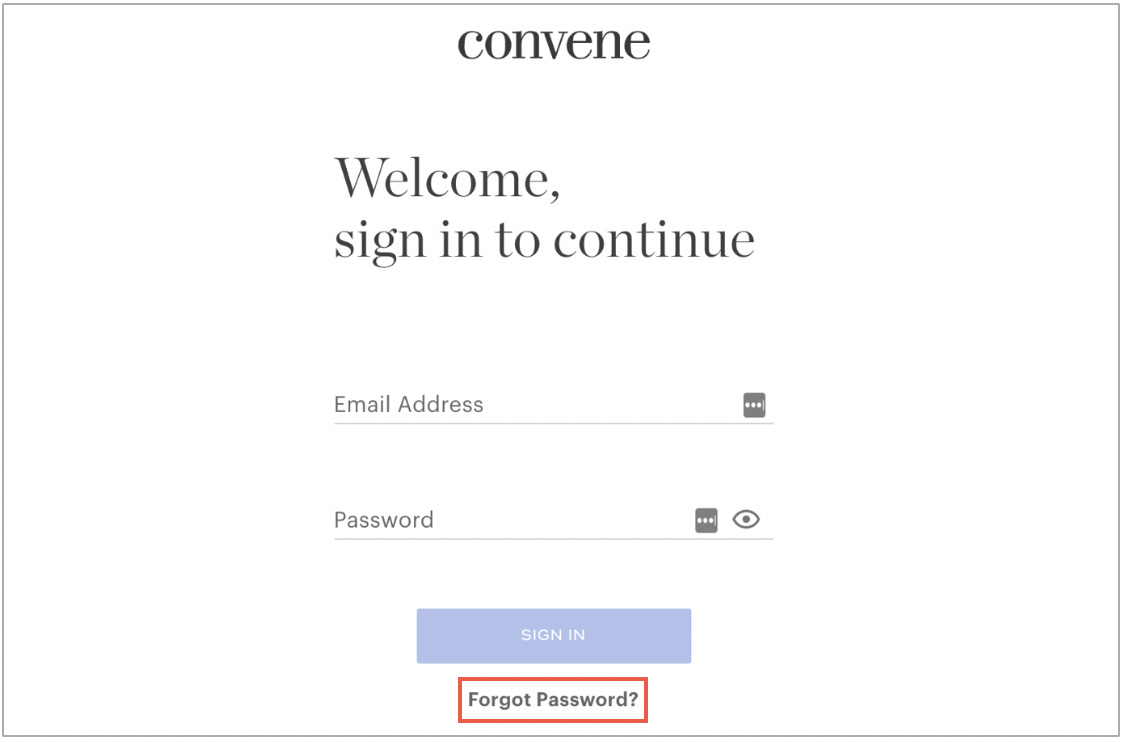
- Enter your email address and click Submit.

- Locate the Reset password instruction email in your inbox.
Click Reset Your Password.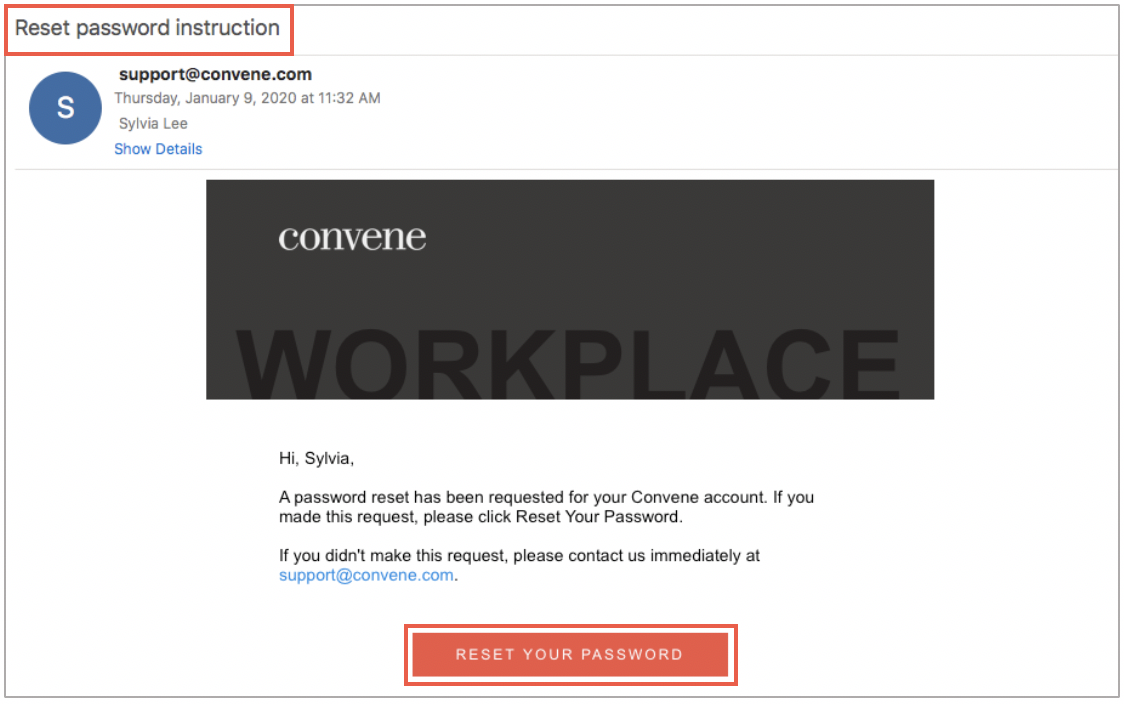
- Enter the answer to your security question and your new password.
Click Submit and you will be redirected to sign in with your new password.